Foreground Light
In private developmentLighting and atmosphere for RPG Maker MZ maps, set up by eye. Foreground Light by Studio Foreground is a standalone editor plus a set of runtime plugins. You place lights, shadows and effects over a snapshot of your map, see the result straight away, and then play the same setup in the game.
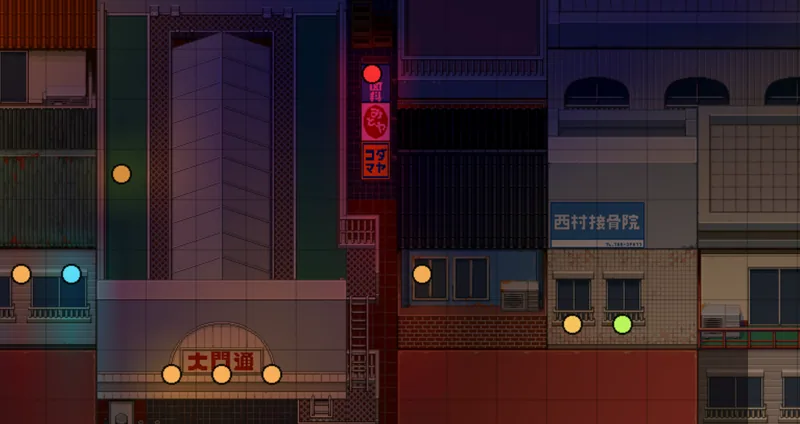
Light and shadow over your map
The editor opens a snapshot of a map and lets you build its lighting on top:
- Lights and shadows that spread across the map grid, with shadows that characters cast from a sun direction you set.
- Hard-edged lighting: an optional banded, stepped look across the whole map, for a pixel-art style instead of smooth gradients.
- Props: your own images placed at any pixel position on the map.
- Cloud shadows: drifting shadows made from your own cloud artwork.
An effect stack for every map
Each map gets its own stack of atmosphere and post-processing channels. You turn each one on and adjust it separately:
- Weather and drifting particles: leaves, petals or mist, limited to the zones you choose
- Haze and fog
- Light rays
- Colour grading and tone mapping: brightness, contrast, saturation, gamma and colour balance
- Bloom
- Lens effects: lens flare, chromatic aberration and focus blur
- Vignette and colour veils
Presets can change during play, with a smooth crossfade triggered from an event command.
Know what an effect costs before you ship it
Effects look good in an editor on a fast computer, and then slow the game down on a player's laptop. Foreground Light shows a cost for each channel, measured in the editor on your own map at game resolution. You can see which effect is expensive before it reaches a player.
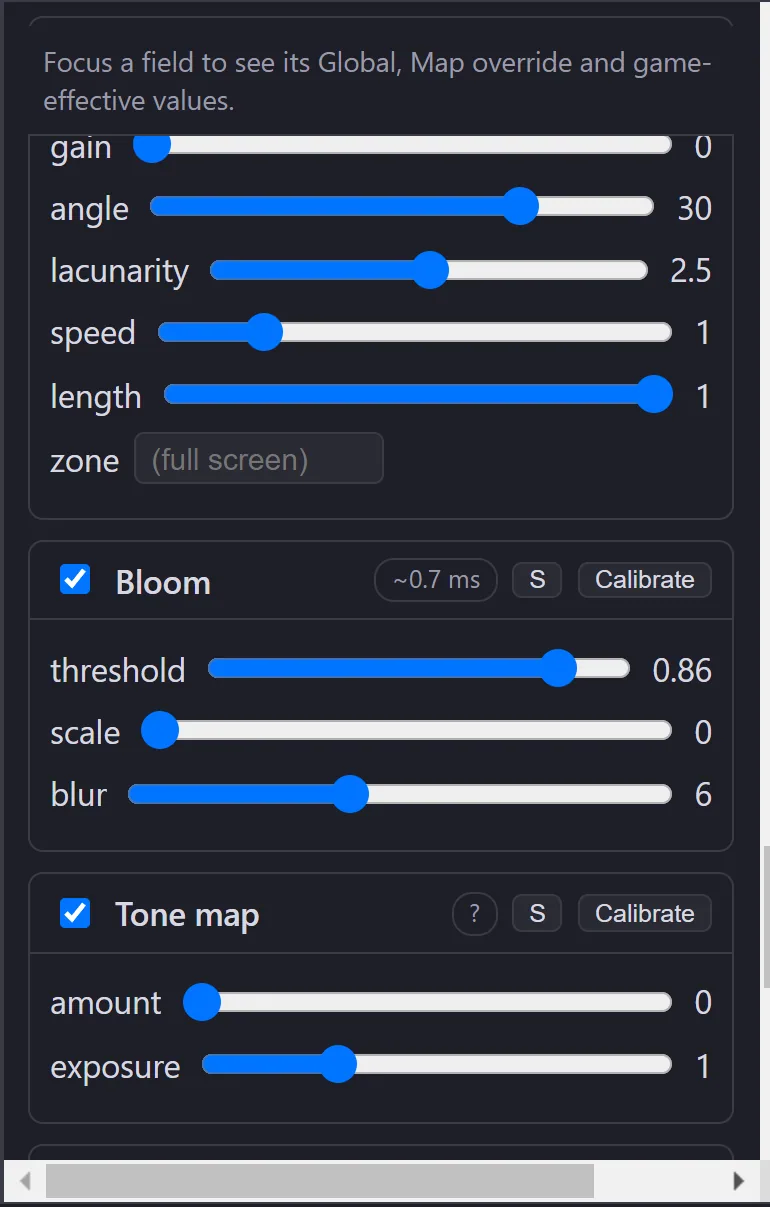
We tune and check the effects on a dedicated low-end test machine, with integrated and entry-level graphics, not only on development hardware.
Built for working creators
- The editor interface is available in English and Chinese.
- Lighting setups are saved as data that the runtime plugins read. Your maps and events are not rewritten.
Proprietary software. A further update, adding editing history, crash recovery and side-by-side look comparison, is in development. See the roadmap.
Interested in Foreground Light? Contact us.